My Contacts
Compare names and email addresses in your address book against the archive. Matching stays on-device.
public records, private matching
MyEpstein cross-references your contacts with the publicly released Epstein emails, locally on your device. It is designed for inspection, not spectacle: a way to move from a name in your address book to the dates, participants, and records behind it.
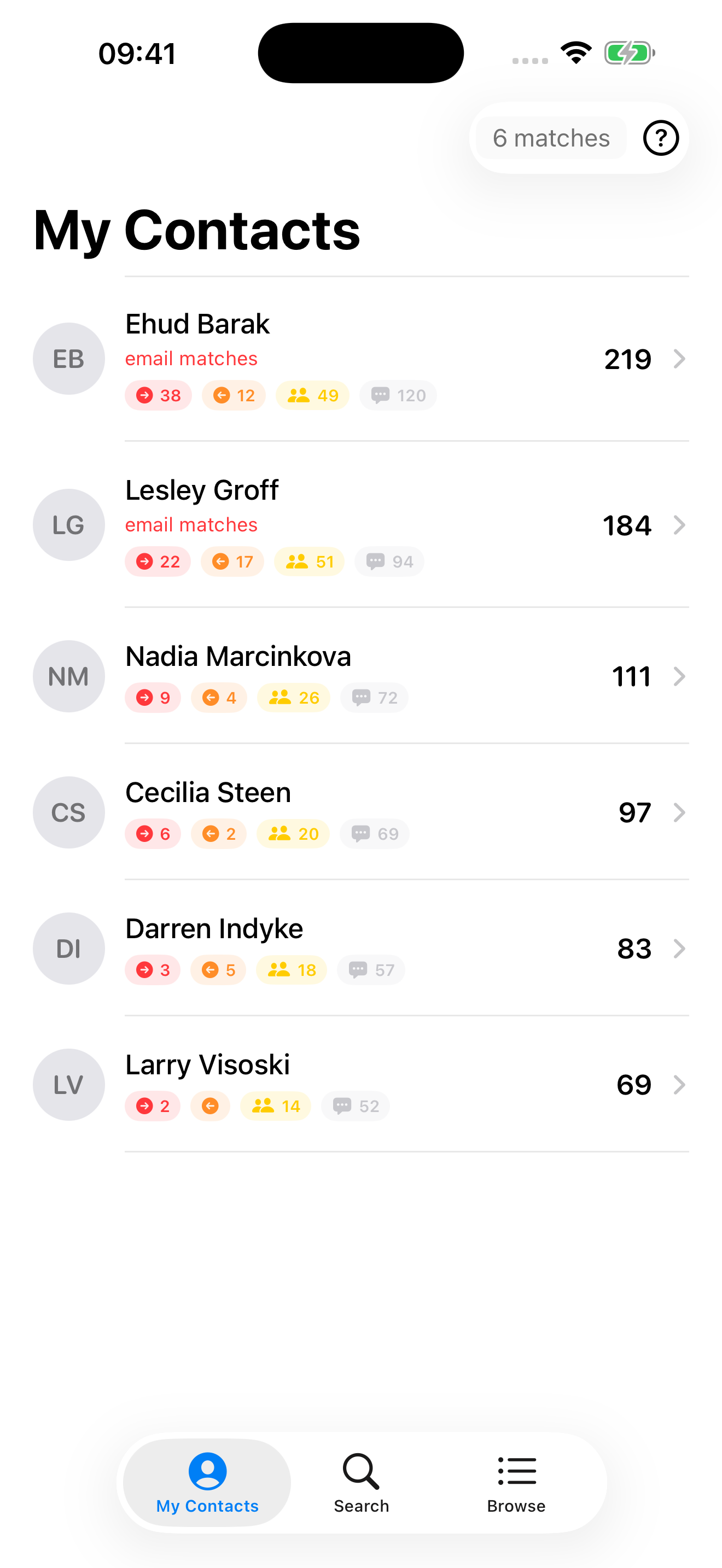
Compare names and email addresses in your address book against the archive. Matching stays on-device.
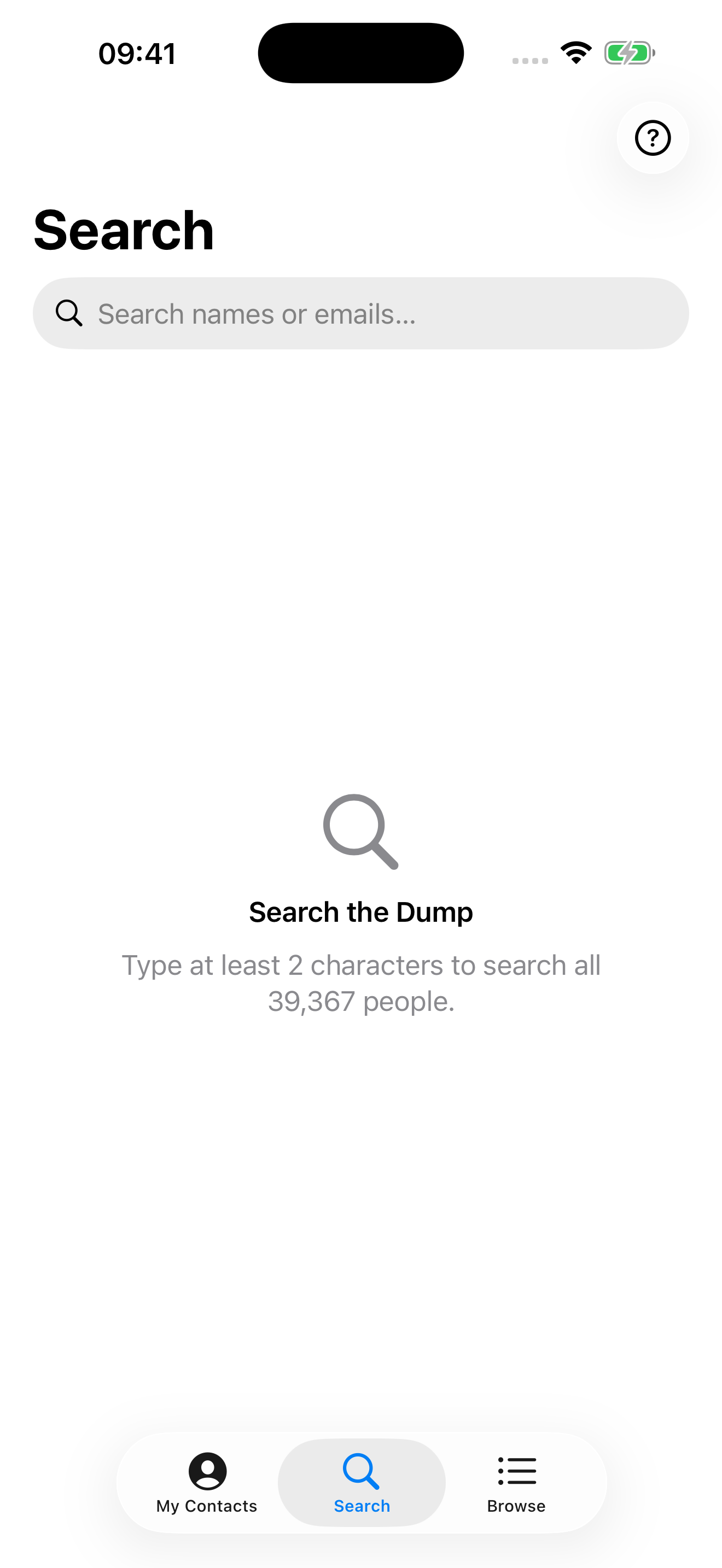
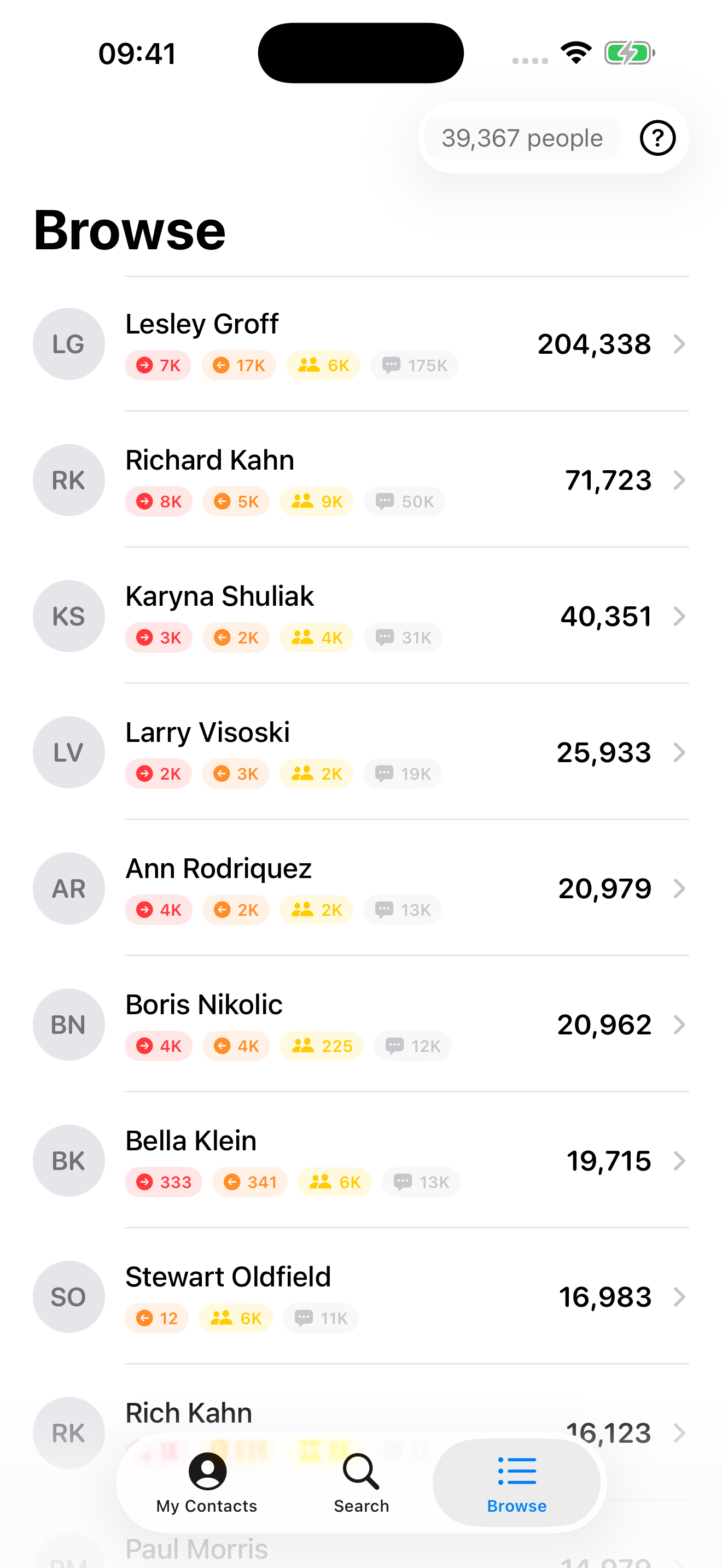
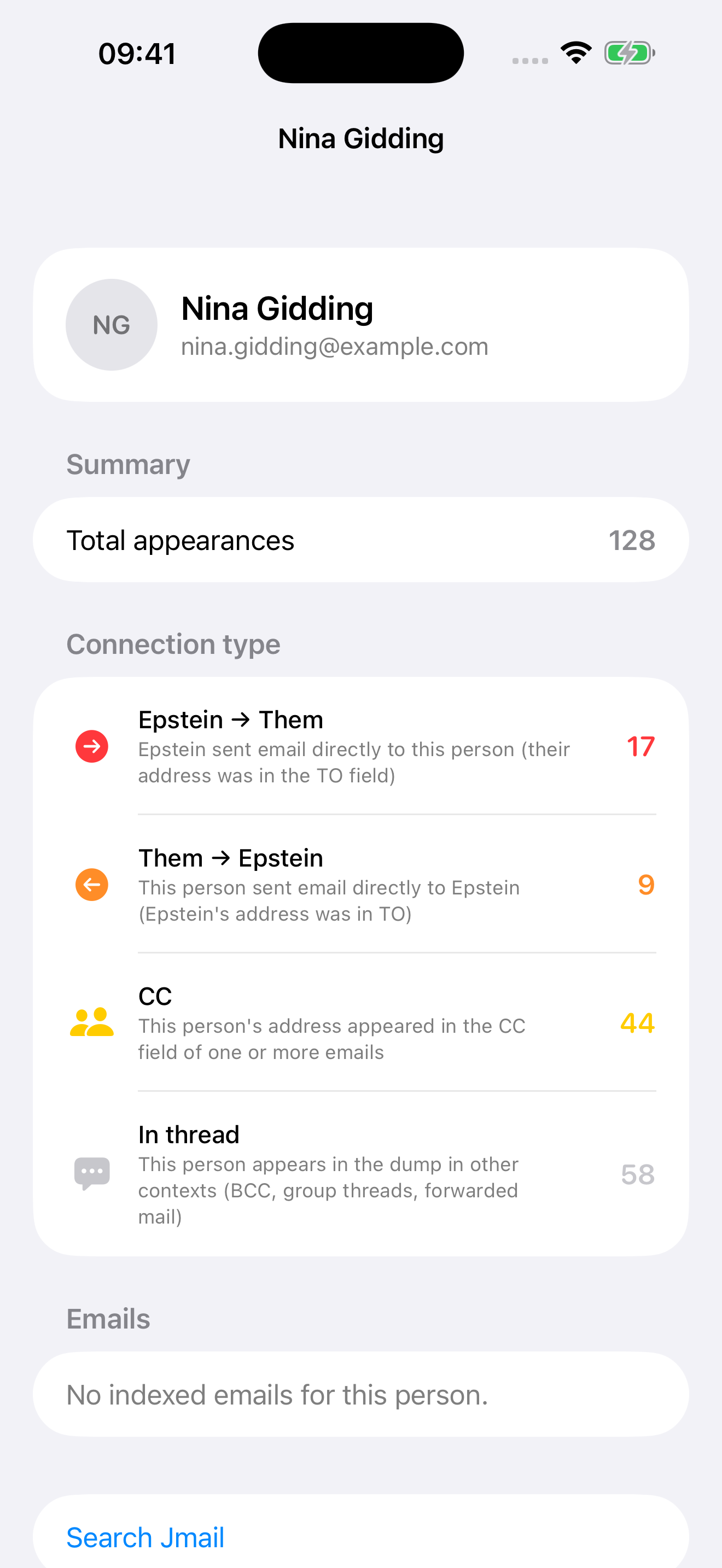
Search by name or email, or browse the people who appear most often in the record.
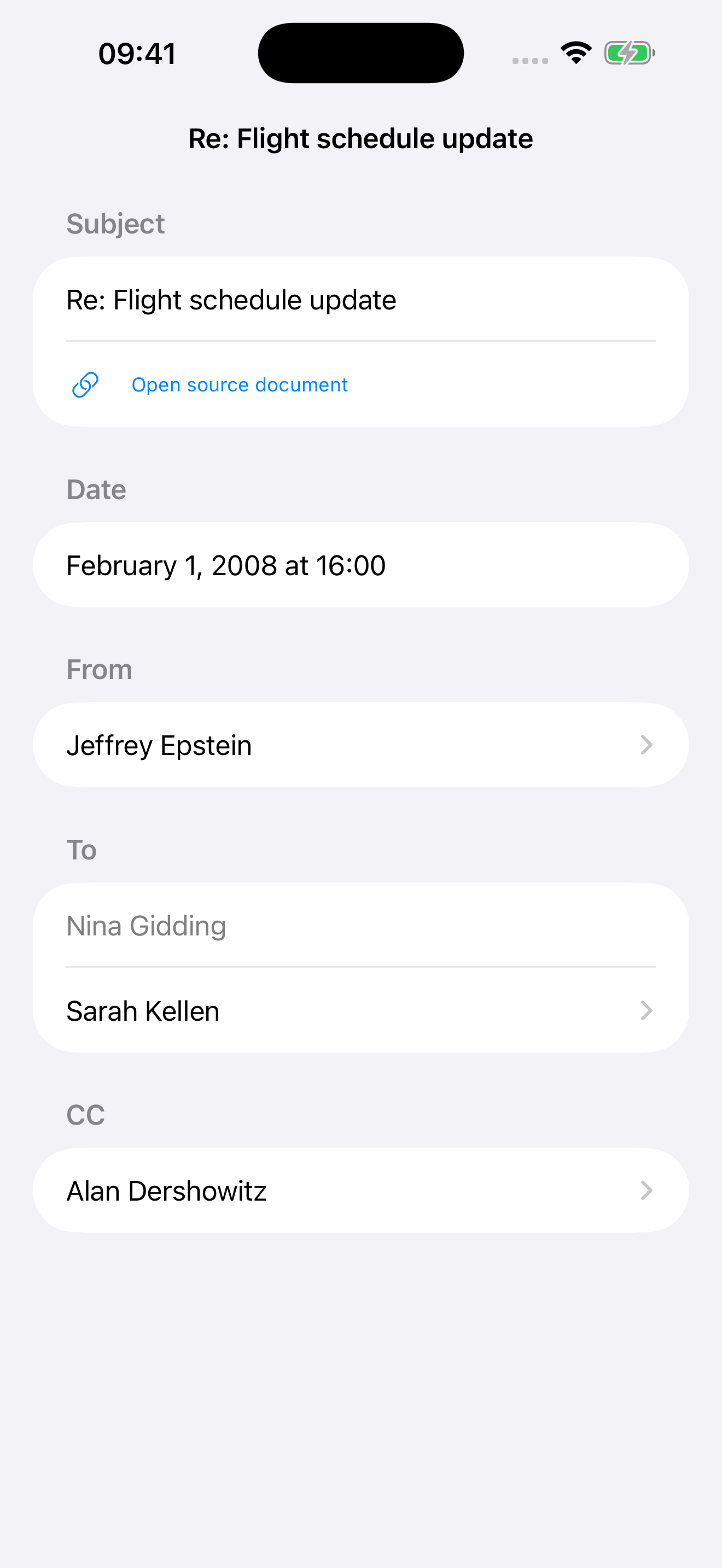
Open an indexed message to inspect subject lines, dates, sender, recipients, and CC fields.
Every view stays close to the source material, so you can examine context instead of stopping at a match.
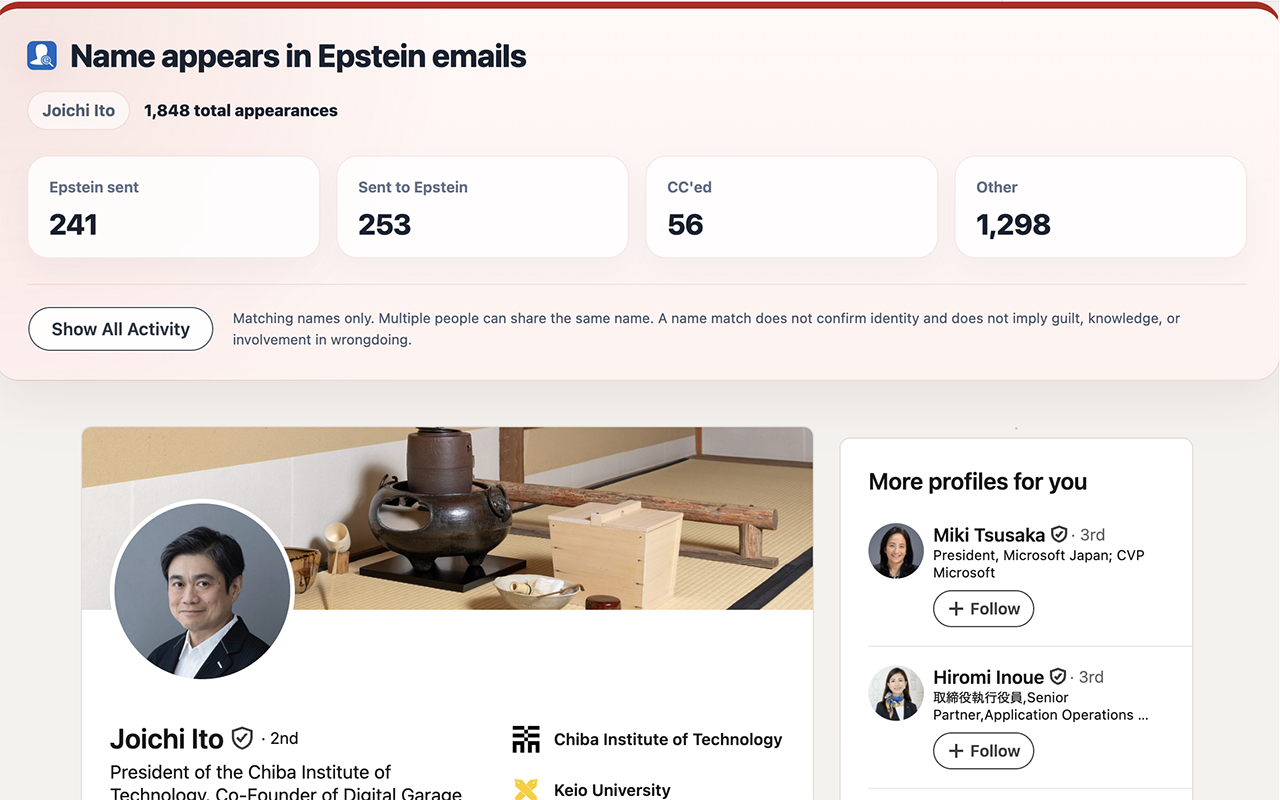
The Chrome extension checks the visible name on a LinkedIn profile against a bundled local index and shows aggregate counts from the archive.
It runs in your browser and does not send LinkedIn profile data anywhere.
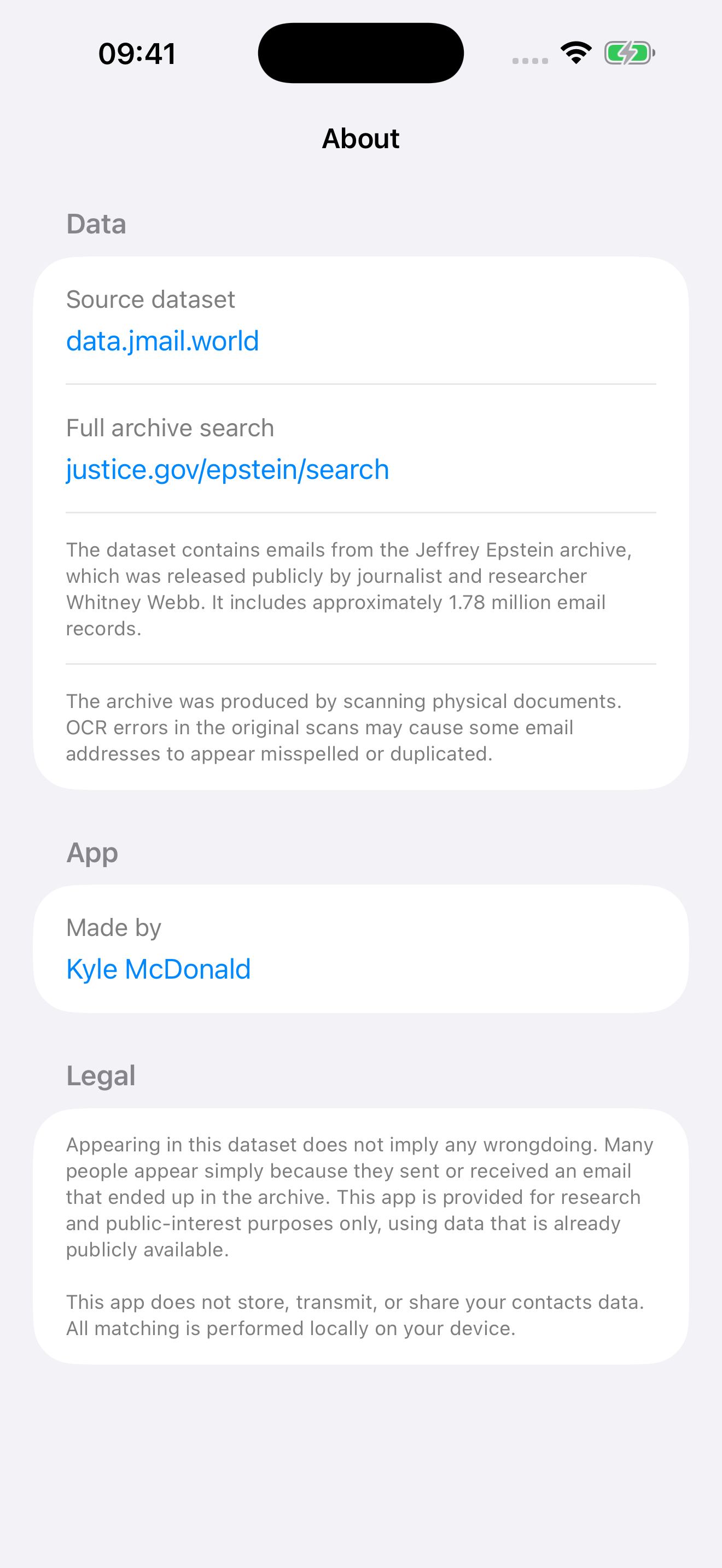
The archive dataset used by MyEpstein is sourced from publicly available records, including Jmail and Justice.gov. Appearing in this dataset does not imply wrongdoing.
Like many scanned archives, it contains OCR mistakes, duplicates, and partial identities. In some cases a result may not even imply a confident match, only that a name appeared in the record.
Your contacts stay on your device. MyEpstein does not upload your address book, run cloud matching, or collect analytics about who you searched for.
Last updated 2026-04-17 01:26 PDT